

'/%3E%3Cuse%20href='%23a'%20transform='rotate(216%20450%20300)'/%3E%3C/g%3E%3Cuse%20href='%23b'%20transform='rotate(72%20450%20300)'/%3E%3C/svg%3E)

For a Hong Kong SME, a working internet connection is not a convenience — it is the line that connects the office to email, cloud accounting, video calls, payment systems and remote staff. When that single line goes down, work stops. Yet many offices still rely on one broadband service from one provider, with a consumer router as the only thing standing between them and an outage.
Dual broadband changes that equation. With two independent lines and a firewall that can fail over between them, an ISP fault becomes a brief interruption instead of a lost morning. This article explains what dual broadband actually delivers, how load sharing works, and how FortiGate SD-WAN and Sophos XGS dual WAN implement it in practice.
Why one broadband line is a single point of failure
Broadband faults are rarely dramatic. A backhoe cuts a duct, a building’s riser cabling is disturbed during maintenance, a provider has a routing issue, or a fibre modem fails after a power surge. In each case the result is the same: no internet, no cloud email, no access to the office server from home, and staff standing idle.
The business cost is not just lost minutes. Cloud-hosted services often assume constant connectivity; point-of-sale terminals, VoIP calls and remote desktop sessions all fail immediately. If the office also hosts a VPN for remote workers, the outage extends beyond the physical office.
A second line from a different provider removes most of this risk, because the two services rarely share the same physical path or the same core network. Two lines from the same provider on the same cable are much weaker protection.
Failover and load sharing: what dual broadband actually buys you
Dual broadband is not simply two cables plugged into a box. The firewall decides how traffic uses them, and there are two distinct behaviours:
- Automatic failover — the primary line carries normal traffic. The firewall continuously checks that the line is healthy; when it stops responding, new sessions are routed over the backup line automatically. Users may notice a short pause, but they do not need to change any settings.
- Load sharing (load balancing) — both lines carry traffic at the same time. The firewall distributes sessions across them, so a 1G + 1G pair can serve more total throughput than either line alone, and large downloads or backups finish sooner.
Most businesses want both: load sharing during normal operation, and automatic failover when a line fails. The quality of the implementation matters — a good firewall checks link health with more than a simple cable test, and it can send latency-sensitive traffic such as VoIP or video calls over the better line at any given moment.
FortiGate SD-WAN: application-aware path selection
FortiGate next-generation firewalls include SD-WAN in FortiOS, without a separate licence. Instead of treating the two broadband lines as a simple primary and backup, SD-WAN groups them into a virtual interface and applies rules to the traffic that passes through it.
- Health checks probe each WAN link continuously, measuring latency, jitter and packet loss as well as reachability.
- Application steering lets you send business-critical traffic — Microsoft 365, Teams, VoIP, remote desktop — over the best-performing link, while bulk traffic uses whatever capacity is available.
- Per-rule behaviour means you can load-share general web traffic but keep a preferred path for latency-sensitive applications.
- Failover is automatic: when a link fails a health check, its traffic moves to the remaining member of the SD-WAN group.
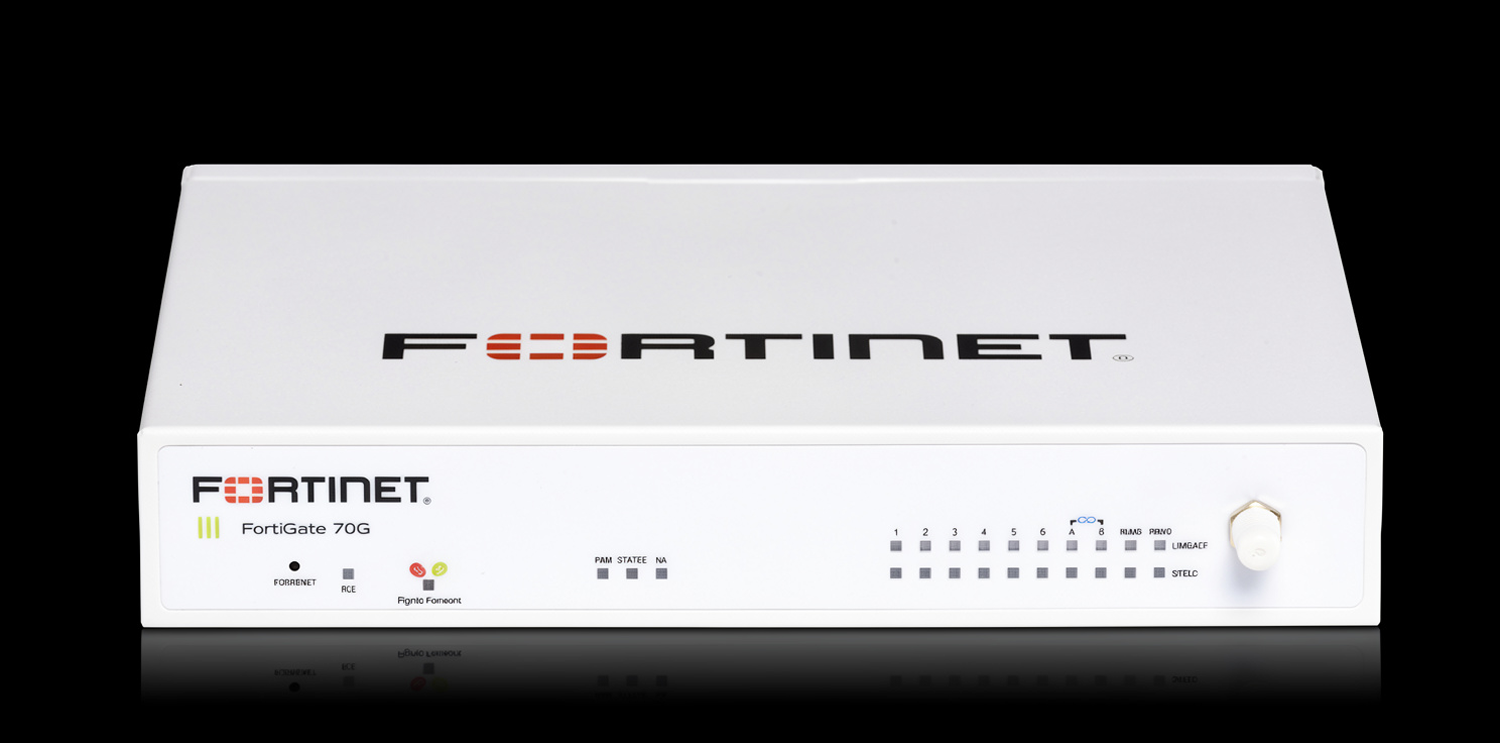
For an office comparing models, the FortiGate 70G is a common starting point for small and branch offices, while larger sites move up the G-Series for more throughput and ports. The SD-WAN configuration is consistent across the range, so a site can grow without redesigning the WAN policy.
Sophos XGS dual WAN: straightforward failover and load balancing
Sophos Firewall on the XGS series takes a more direct approach: each WAN link is defined as an interface, and the firewall provides failover and load balancing between them, with link monitoring to detect a dead line.
- Primary and backup configuration for simple failover, or active-active weighting when you want both lines carrying traffic.
- Link monitoring checks gateway and external targets so a line that is physically up but not passing traffic still triggers failover.
- Policy-based routing lets specific services or source networks use a chosen WAN link.
- Hardware suited to two fast lines: the Sophos XGS 138 has two 2.5GbE copper ports plus four 1GbE ports and two 10G SFP+ ports, so two 2.5G broadband services can connect without a bottleneck.
Sophos also brings Synchronized Security: when an endpoint detects a threat, the firewall can isolate that device automatically, which matters when staff connect from shared offices and home networks.
FortiGate or Sophos for dual broadband?
Both platforms do failover and load sharing well; the choice usually comes down to how much control you want over path selection and what is already in the office.
- Choose FortiGate SD-WAN if you want fine-grained, application-aware steering, plan to mix broadband with other links, or already standardise on FortiOS.
- Choose Sophos XGS if you prefer a simpler primary/backup or weighted setup, want Synchronized Security across endpoints, and value straightforward day-to-day management.
In both cases the firewall, not the ISP router, should be the device that manages the two lines. Consumer routers often support only one WAN, and ISP-supplied equipment is usually locked down.
Deployment checklist for a Hong Kong office
- Use two different providers where possible, and confirm the two services do not share the same building entry path.
- Size the firewall for both links at once — check NGFW throughput, not just firewall throughput, if you enable IPS, antivirus and web filtering.
- Plan IP addressing: a static IP on the primary line is useful for VPN and remote access; the backup line can use dynamic addressing.
- Test the failover after installation by disconnecting the primary line during business hours, and confirm sessions recover as expected.
- Keep DNS and cloud services working: some applications cache the public IP, so verify remote access still functions after a switch.
- Monitor both links so you learn about degradation — high latency or packet loss — before it becomes a full outage.
Frequently asked questions
Do I need two different broadband providers?
It is strongly recommended. Two services from the same provider may share the same fibre path or core equipment, so a single fault can take both down. Different providers give genuinely independent paths.
Can dual broadband increase my internet speed?
With load sharing, yes — two lines can carry more total traffic than one. A single download or video call still uses one line, so the benefit is in aggregate capacity and resilience rather than the speed of any one session.
Is SD-WAN a paid add-on on FortiGate?
SD-WAN is part of FortiOS on supported FortiGate models and does not require a separate SD-WAN licence. Security subscriptions for IPS, antivirus and web filtering are separate.
Will users notice when a line fails?
With automatic failover, existing sessions may reset, but new connections continue over the backup line. Calls in progress can drop; most other work resumes within seconds.
Potoco Systems designs and supports dual broadband and firewall deployments for Hong Kong SMEs, including FortiGate SD-WAN and Sophos XGS. If you are planning a second line, or want to check whether your current firewall can use one, contact us for a free consultation.
About Potoco Systems Limited
Potoco Systems is a Hong Kong-based IT service provider specializing in managed IT services, network security, and Microsoft 365 solutions. We help businesses streamline their IT operations with expert support and enterprise-grade technology.
Contact us:

- 📞 Phone: 2117-9474
- 💬 WhatsApp: +852 9036 5443
- ✉️ Email: sales@potocohk.com
- 🌐 Website: https://potocohk.com
Contact us today for a free consultation on your IT needs.